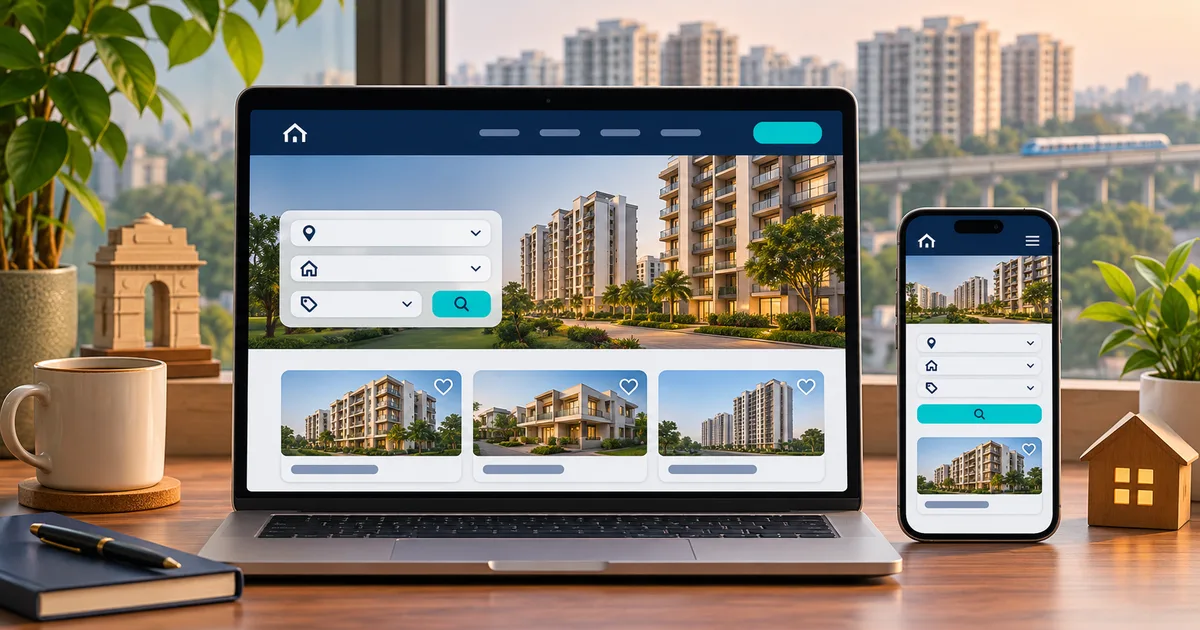

A property website should help visitors answer three questions quickly. Where is the project, which units match their needs and how can they enquire or arrange a visit? Build the navigation around those decisions. See how Winggo Soft’s real estate CRM platform connects the relevant steps.
Plan your project and property pages
Prepare information the buyer needs before enquiring
Use a dedicated page for each project with location, photographs, property types, current details and an easy way to request information. Label areas and prices clearly, keep brochures up to date and test key actions on mobile.
Connect website enquiries to sales
Define the enquiry handoff before launch
If a visitor comes from a Lucknow project page and requests a site visit, carry the project name and requested time into the enquiry record. Decide who checks it, who follows up and how the agent receives the visit context. Demonstrate that workflow before launch.
Frequently Asked Questions
What should appear on each project page?
Show location, available property types, approved images, relevant project details and clear enquiry options. Assign an owner to keep the information current.
Should a website include a customer login?
Consider a login when existing buyers need booking or payment records. Keep public project information easy to find for prospects who are browsing.
Read the lead management workflow for the next part of this workflow.
Request a Winggo Soft demo and bring a sample workflow to review with the team.