
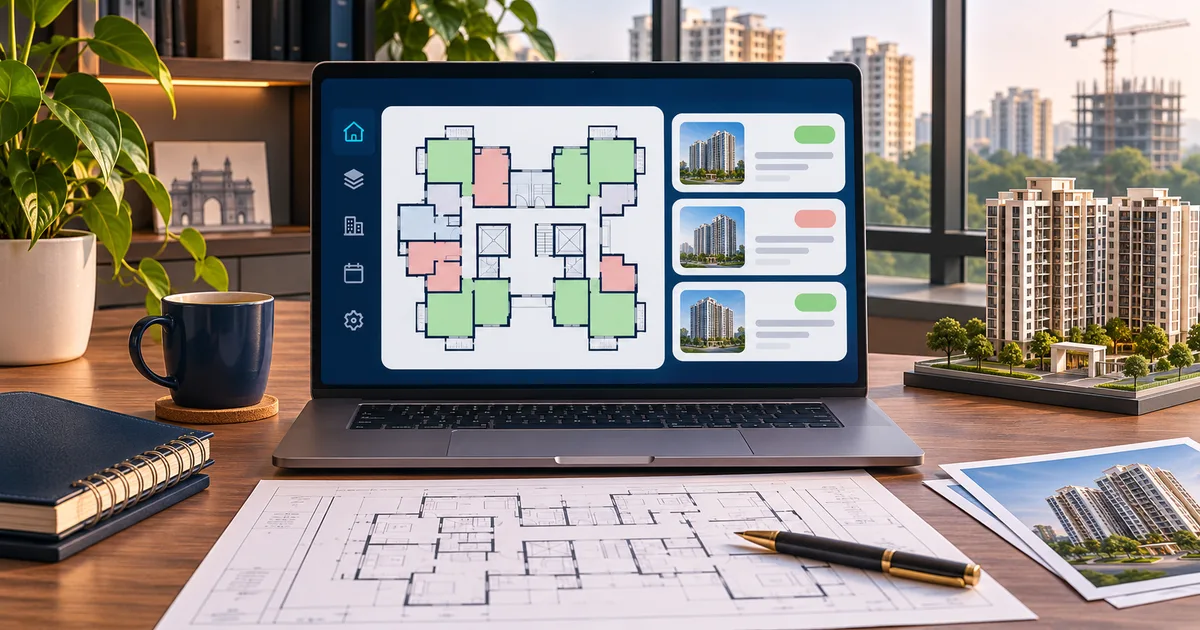

Property management software can cover rental operations or sales inventory. This guide covers how builders and brokers keep project and unit records accurate for sales enquiries and bookings. See how Winggo Soft’s real estate CRM platform connects the relevant steps.
Build your inventory from project to unit
Decide which fields sales staff need
Give each unit an identifier within its project, block, floor or sector. Keep property type, area and unit of measure, facing, asking price, photos and brochure details consistent so two colleagues can interpret the same record.
Keep availability accurate
Review what changes after a booking request
Take a shortlisted flat and check its status before arranging a visit. Confirm who can mark it reserved, who approves the booking and who releases it if the request falls through. Ask the listing owner to review public availability and price after internal changes.
Frequently Asked Questions
How is property inventory different from rental management?
Sales inventory tracks units offered for sale and their status through booking. Rental workflows may include leases, rent collection and maintenance.
How do I prepare a spreadsheet for migration?
Remove duplicate units, standardise identifiers and area units, and agree on the meaning of every availability status before moving records.
Read the booking and instalment guide for the next part of this workflow.
Request a Winggo Soft demo and bring a sample workflow to review with the team.