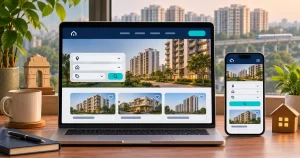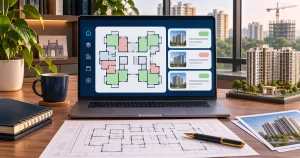


After booking, buyers often ask for the same information across several calls. A customer portal gives them a place to check the details tied to their own property and raise a question when something needs attention. See how Winggo Soft’s real estate CRM platform connects the relevant steps.
Decide what buyers can see after booking
Use clear labels for dues and receipts
Show property and booking details, scheduled instalments, recorded payments and available receipts. When a payment is pending confirmation, explain what the status means and whom the buyer can contact.
Test the handover into self-service
Walk through a payment clarification
Use a fictional customer and a sample booking. Sign in as that customer, check the upcoming due date, view a previous receipt and raise a support question. Then review how staff see and resolve the question in their own workspace.
Frequently Asked Questions
Is a portal the same as a property website?
A public website helps prospects browse and enquire. A customer portal can display booking and payment information after sign-in. Confirm which records each account can view during a demo.
What should be checked before onboarding buyers?
Verify that each customer sees only their records, receipt values match the posted payments and the support contact is easy to find.
Read the booking and instalment guide for the next part of this workflow.
Request a Winggo Soft demo and bring a sample workflow to review with the team.