
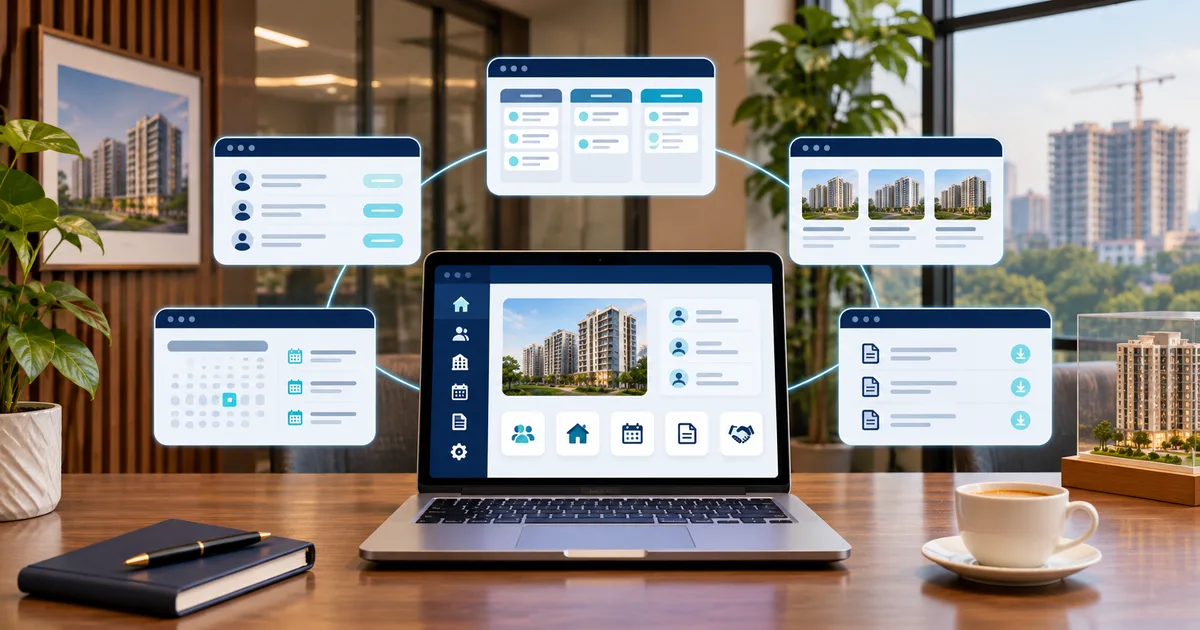

A useful demo follows one buyer from the first enquiry to the first instalment. Ask each team member to show what they see, what they update and who takes over next. See how Winggo Soft’s real estate CRM platform connects the relevant steps.
Start with the five workspaces
What each role handles
The public website presents properties and collects enquiries. The telecaller records the buyer’s requirements and sets a callback. The agent handles the visit and submits a booking request. An administrator manages records and approvals. The customer portal gives an existing buyer access to booking and payment details.
Run one deal through the software
A demo checklist for the handoffs
Use a sample project and a fictional buyer. Enter an enquiry, assign it, record a callback and schedule a visit. Apply for a booking against the shortlisted unit, record the approval and review the instalment schedule. Check that the buyer can view the information intended for them.
Frequently Asked Questions
Which features should a small sales team test first?
Start with lead assignment, next actions and property status. Add the booking and payments steps if the team handles those after a sale.
Which records should a buyer see?
Review booking details, due dates and posted receipts in the customer view. Use a sample account to check which internal notes stay with staff.
Request a Winggo Soft demo and bring a sample workflow to review with the team.